

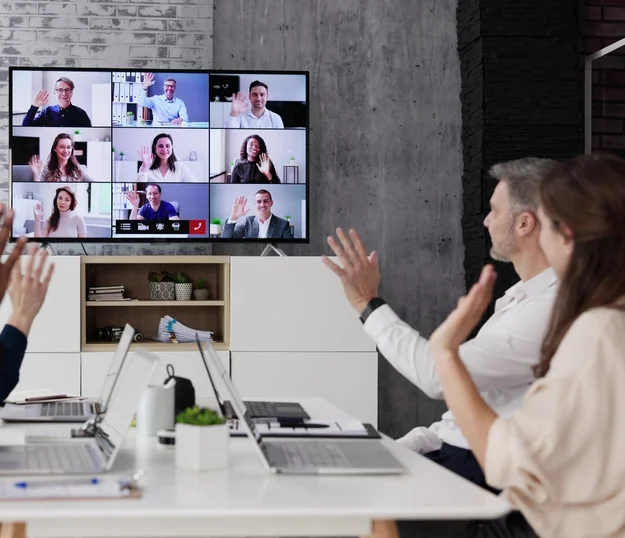
Meetings That Just Work, Every Room, Every Time.
A meeting that starts with ten minutes of fumbling with cables and audio settings sets the tone for everything after it. Bilzit installs and configures video conferencing systems for boardrooms, huddle spaces, and hybrid teams so meetings start on time and run without interruption.
Camera, microphone, and display systems are sized to each room individually — a two-person huddle space and a twenty-seat boardroom need different hardware, not the same kit installed twice.
Everything is configured to work with the platforms your team already uses — Zoom, Microsoft Teams, Google Meet — so there's no retraining involved, just a setup that works the first time and every time after.
We equip meeting rooms for teams across the UK, UAE, Pakistan, and Canada, including distributed and hybrid teams that need reliable cross-timezone calls — hardware that just works whether the other side of the call is down the hall or across the world.
Every Room Equipped. Every Platform Supported.
- Camera, mic, and display systems sized to each room individually
- Full integration with Zoom, Microsoft Teams, Google Meet, and more
- Reliable audio and video with no dropped calls or lag
- Setup and testing before your team ever steps into the room

Enterprise Resource Planning (ERP)

CCTV Surveillance

Corporate Branding

Digital Marketing

Domain and Hosting Services

IT & Network Infrastructure

Mobile Application Development

Public Address System
Search Engine Optimization (SEO)

Web Based Portals

Website Design & Development

Artificial Intelligence Optimization (AIO)