

Every public form on your website — contact forms, signups, checkouts, comment sections — is a target for bots. Spam submissions, credential-stuffing attempts, and scraper traffic all show up looking for the weakest point, and for most sites that weak point is a form with no bot protection at all. The two tools most businesses end up choosing between are Google's reCAPTCHA and hCaptcha. Both solve the same core problem, but they take noticeably different approaches to privacy, user experience, and pricing, and the right choice depends more on your specific site than either vendor's marketing suggests.
Key Takeaways
- reCAPTCHA (especially v3) offers the smoothest user experience and the deepest bot-detection data, backed by Google's scale.
- hCaptcha is built around user privacy and doesn't feed data back into Google's ad and tracking ecosystem.
- Both are free for standard traffic volumes; enterprise-tier pricing and features diverge more than most comparisons mention.
- For most small and mid-sized business sites, either option blocks bots effectively — the real decision driver is usually privacy policy and third-party dependency, not raw accuracy.
- Bilzit uses reCAPTCHA v3 on client sites by default, but the setup is interchangeable depending on client requirements.
What Is reCAPTCHA?
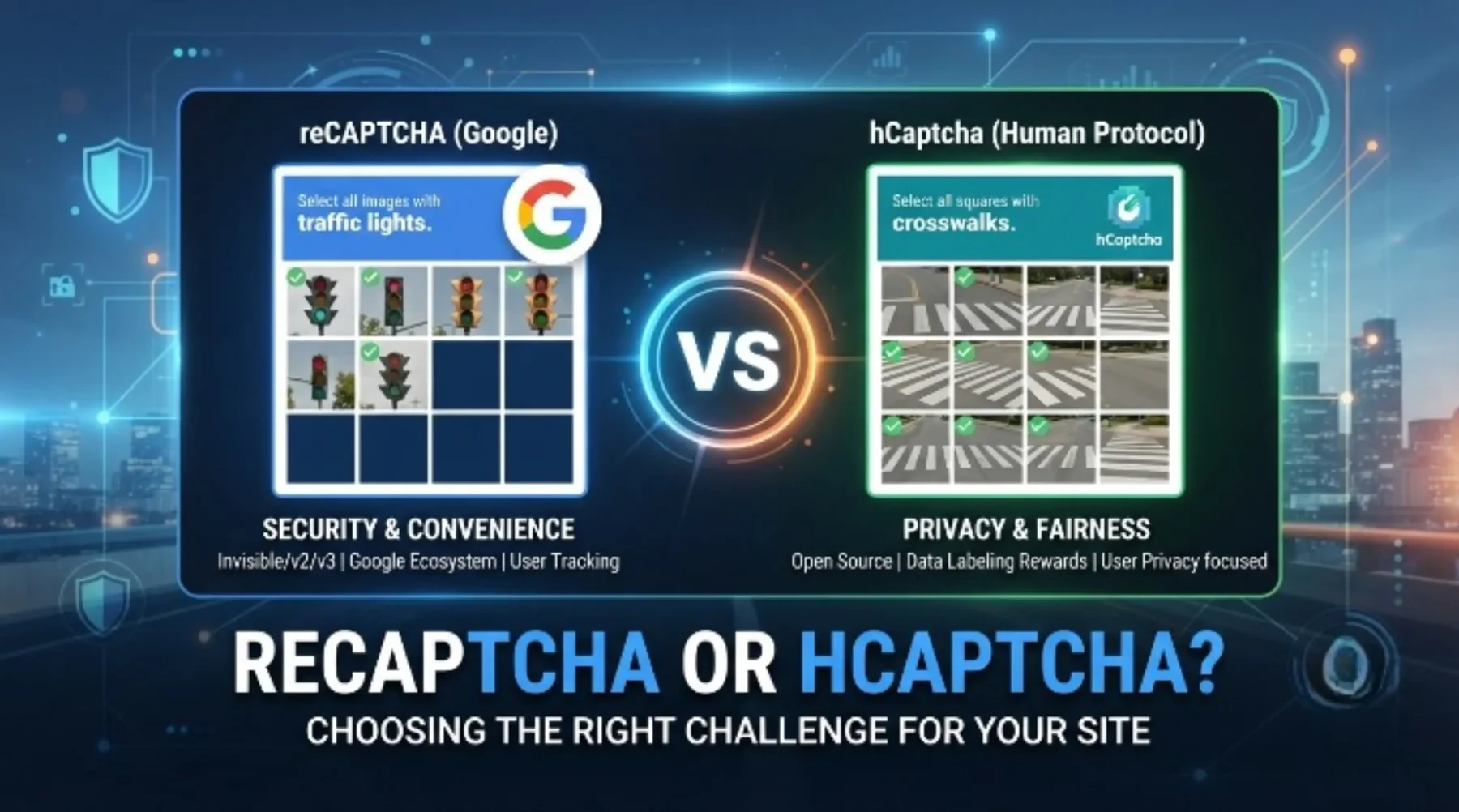
reCAPTCHA is Google's bot-detection service, now in its third major version. Where early reCAPTCHA asked visitors to click image grids ("select all squares with traffic lights"), reCAPTCHA v3 runs invisibly in the background, scoring each visitor's behavior on a scale from 0.0 (likely a bot) to 1.0 (likely human) without ever interrupting them. Sites can set their own score threshold and decide what happens below it — block the submission, flag it for review, or show a challenge as a fallback.
The tradeoff is that this scoring relies on Google's visibility into browsing behavior across the web, which is exactly what raises privacy questions for some site owners and visitors.
What Is hCaptcha?
hCaptcha positions itself as the privacy-respecting alternative, and it's become the default CAPTCHA on Cloudflare and a number of privacy-focused platforms. Functionally, it looks similar to reCAPTCHA's older image-challenge format on the surface, but hCaptcha's business model is different: instead of monetizing user data, it partners with companies that need labeled image data (for machine learning training sets) and compensates site owners for the challenges completed on their pages.
hCaptcha also offers an invisible mode comparable to reCAPTCHA v3, so the "annoying image grid" reputation isn't the full picture anymore for either tool.
Privacy: The Biggest Real Difference
This is where the two tools actually diverge in a meaningful way. reCAPTCHA sits inside Google's broader data ecosystem, and using it means loading a Google script and, depending on configuration, sharing visitor signals with Google. For businesses in the UK, UAE, Pakistan, and Canada operating under GDPR-adjacent or regionally specific privacy expectations, that's a real consideration, not just an abstract one — some privacy policies and cookie-consent flows need to explicitly disclose it.
hCaptcha's pitch is that it doesn't feed a big-tech advertising or tracking ecosystem, and its data-labeling business model is disclosed upfront rather than opaque. Neither tool is "spyware" in any meaningful sense, but if your audience or legal counsel is sensitive to Google dependencies specifically, that's a legitimate reason to lean toward hCaptcha.
User Experience Compared
In their modern, invisible configurations, both tools are close to unnoticeable for legitimate visitors — no clicking, no waiting, no interruption to a checkout or signup flow. The gap widens when a visitor DOES get flagged for a challenge: reCAPTCHA's challenge UI is generally regarded as faster and more polished, largely because Google has more data to calibrate difficulty against, while hCaptcha's challenges can occasionally feel slightly more effortful, particularly on mobile.
For most sites this difference is marginal, since well-configured invisible CAPTCHA rarely challenges real users in the first place. It matters more for high-traffic consumer sites where even a small percentage of friction adds up across volume.
Accuracy and Bot-Blocking Effectiveness
Both tools are effective against the vast majority of automated bot traffic and unsophisticated spam. Where they differ is at the sophisticated end: reCAPTCHA's advantage is scale — it sees an enormous volume of traffic across the web, which feeds directly into its detection models, making it particularly strong against evolving bot patterns. hCaptcha has closed much of that gap in recent years but historically had a smaller data pool to train against, simply because fewer sites run it than run reCAPTCHA.
What this means in practice: for a typical business website — contact forms, newsletter signups, basic account creation — either tool will meaningfully cut spam. The accuracy gap only really shows up at the scale of a large e-commerce platform or high-value target under active attack, where it's worth testing both directly against your own traffic rather than trusting either vendor's benchmark claims.
Pricing and Enterprise Features
Both reCAPTCHA and hCaptcha are free for standard usage, which covers the overwhelming majority of business websites. The divergence shows up at the enterprise tier: Google's reCAPTCHA Enterprise adds fraud-scoring features, deeper analytics, and SLA-backed support, priced per assessment at volume. hCaptcha Enterprise similarly adds custom branding, dedicated support, and compliance features aimed at larger organizations, and has historically positioned its enterprise pricing as more predictable for high-volume sites.
If you're running a standard business site — not a high-traffic platform under sustained bot attack — pricing is unlikely to be the deciding factor either way, since you'll likely never leave the free tier.
Which One Should You Choose?
A practical way to decide:
Choose reCAPTCHA if: you want the most battle-tested, widely deployed option with the strongest track record against sophisticated bots, you're already using other Google tools (Analytics, Ads, Firebase) and aren't concerned about consolidating further into that ecosystem, or you want the largest base of documentation and community troubleshooting available.
Choose hCaptcha if: privacy policy and data-minimization matter to your business or your customers specifically, you're already on Cloudflare and want native integration, or you'd simply rather not add another Google dependency to your stack.
Neither choice is wrong for a typical business website. The bigger mistake is running no bot protection at all, or bolting one on incorrectly — a badly configured CAPTCHA (wrong score threshold, missing server-side verification, or a client-side-only implementation) provides a false sense of security while doing almost nothing to actually stop spam.
How Bilzit Implements CAPTCHA Protection
On the sites we build, including this one, we default to reCAPTCHA v3 for its invisible, no-friction verification and mature server-side validation. The important part isn't just adding the widget — it's verifying the token server-side on every submission, logging what gets blocked so you can tune the score threshold over time, and making sure the client-side site key and server-side secret key are kept properly separated so the protection can't be trivially bypassed. If a client's privacy requirements point toward hCaptcha instead, the implementation pattern is the same; only the vendor changes.
Both reCAPTCHA and hCaptcha do the core job well: keeping the obvious bot traffic off your forms without punishing real visitors. The decision usually comes down to your privacy posture and existing tooling rather than a meaningful gap in effectiveness. If you're not sure which fits your site, or your CAPTCHA is currently misconfigured (or missing entirely), our Website Design & Development team can review your setup and implement it properly.
Frequently Asked Questions
Is reCAPTCHA free to use?
Yes, for standard traffic volumes. Google's reCAPTCHA Enterprise tier adds paid fraud-scoring and analytics features aimed at high-volume sites, but the core v2/v3 service used on most business websites is free.
Does hCaptcha actually protect user privacy better than reCAPTCHA?
hCaptcha doesn't feed data into Google's advertising ecosystem, which is a meaningful difference for privacy-conscious businesses. Its own data-labeling business model is disclosed, but it's still a third-party script collecting behavioral signals, so "better privacy" is relative, not absolute.
Can I switch from reCAPTCHA to hCaptcha later without breaking my site?
Generally yes. Both use a similar site-key/secret-key pattern with server-side token verification, so switching mainly means swapping the client script and verification endpoint rather than rearchitecting your form handling.
Will a CAPTCHA hurt my site's conversion rate?
A well-configured invisible CAPTCHA (reCAPTCHA v3 or hCaptcha's invisible mode) is rarely noticeable to real users and shouldn't meaningfully affect conversions. Older, always-visible challenge-based CAPTCHAs do add friction and can reduce completion rates.
Do I need a CAPTCHA if I already have a firewall or rate limiting?
Rate limiting and a web application firewall help, but they solve a different problem — they don't reliably distinguish a human filling out a form from a script doing the same thing at human-like speed. CAPTCHA and infrastructure-level protection are complementary, not substitutes for each other.
Which CAPTCHA does Bilzit recommend for a small business website?
reCAPTCHA v3 by default, since it requires no visible interaction and has the broadest track record. We switch to hCaptcha when a client's privacy policy, industry, or existing Cloudflare setup makes it the better fit.